
Conversion rate optimization for beginners starts with one simple goal: get more of your website visitors to book a consultation. Your site may already get steady traffic from Google. The next step is turning more of those clicks into calls, form fills, and new implant patients.
You do not need to be a tech expert to do this. You only need to know what to measure, what to fix first, and how to test your changes. This guide walks you through each step.
How to Calculate Your Conversion Rate
Before you change anything, you need a starting number. This number tells you if your changes work later.
The Simple Formula
Divide the number of people who took action by the number of people who visited. Then multiply by 100.
For example, if 1,000 people visit your implant page and 25 book a consultation, your conversion rate is 2.5%.
What Counts as a Conversion
A conversion is any action that moves a visitor closer to becoming a patient. For a dental implant practice, the most useful ones are:
- Phone calls from your website
- Consultation request forms
- Online booking clicks
- Chat messages
- Email sign-ups for implant guides
Track each one by itself. A phone call is worth more than an email sign-up, so you should see them in separate reports. Free tools like Google Analytics can track these actions for you.
Conversion Rate Benchmarks to Aim For
Many industries see website conversion rates of about 2% to 5%. Your number may be higher or lower based on your traffic and your offer. Pages that get visitors who are ready to act, like a “Dental Implants in Your City” page, often do better than a general blog post.
Small Gains Add Up Fast
Look at what a small lift can do. This table uses 1,000 monthly visitors to your implant pages.
| Conversion Rate | Monthly Consultation Requests |
|---|---|
| 1% | 10 |
| 2% | 20 |
| 3% | 30 |
| 5% | 50 |
Going from 2% to 3% means 10 more consultations every month. You did not need a single extra visitor to get them. If one implant case is worth thousands of dollars to your practice, those extra consultations can add up quickly.
Fix Your Website Speed First
Slow pages lose patients before they read a single word. This is one of the easiest wins for beginners.
What the Data Says
Google research found that as page load time goes from 1 second to 3 seconds, the chance a visitor leaves goes up 32%. At 5 seconds, that chance goes up 90%.
People searching for implants are often on their phones. They will not wait for a slow page.
Easy Ways to Speed Things Up
- Shrink large photos before you upload them
- Use a fast hosting plan
- Remove plugins you do not need
- Turn on caching
- Limit auto-playing videos
You can test your site for free with Google PageSpeed Insights. It gives you a score and a list of fixes.
Build Pages That Turn Visitors Into Patients
Once your site is fast, look at what people see when they land on your page. A good page answers three questions quickly. Where am I? Can this doctor help me? What do I do next?
Write a Clear Headline and Call to Action
Put your main service in the headline. Something like “Dental Implants in Denver, Colorado” tells people they are in the right place.
Then add one clear button near the top. Use plain words such as “Book Your Implant Consultation.” Repeat that button further down the page, so visitors never have to scroll back up.
Show Trust Signals
Implant treatment is a big decision. Patients want proof that you are the right doctor. Add these items where people can see them:
- Google review ratings and patient quotes
- Your training and credentials
- Years of experience and number of implants placed
- Memberships in dental associations
- Photos of your team and your office
Use Real Before-and-After Photos
Real results build trust better than stock photos. Show actual cases, with patient permission. Add a short note about the treatment for each one, such as the type of implant and the time it took.
Make Forms and Phone Calls Easier
Many visitors want to book but give up because the process feels hard. Remove the roadblocks.
Keep Your Forms Short
Every extra field gives people a reason to quit. Ask for the basics only: name, phone number, and email. You can collect health history later, at the visit.
A short form with three to four fields is a good place to start.
Make Calling Simple on Mobile
On a phone, your number should be a tap-to-call button. Keep it at the top of the page so it stays in view as people scroll. Many implant patients prefer to talk to someone before they book, so this one change can bring in more calls.
Test Changes the Smart Way
Guessing is risky. Testing shows you what really works for your patients.
Learn the Basics of A/B Testing
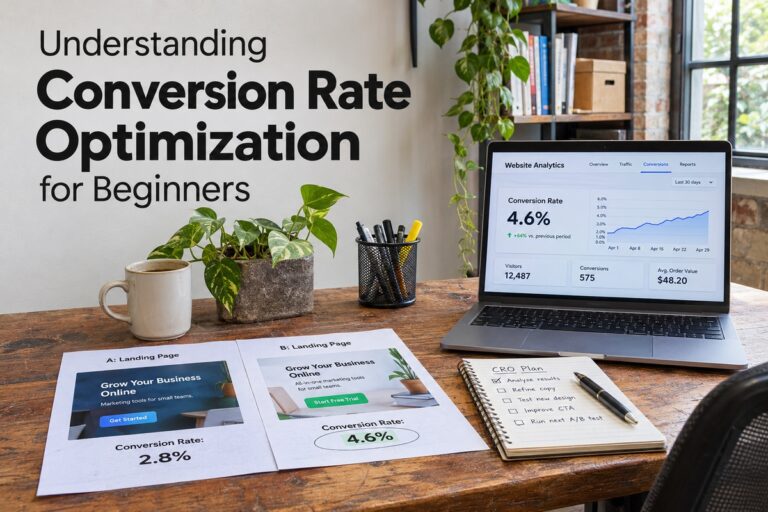
An A/B test shows half of your visitors one version of a page and half another version. You change only one thing at a time, then compare results. Run the test long enough to get a fair answer, usually a few weeks, depending on how much traffic you get.
What to Test First
Start with items that people see right away:
- The headline on your main implant page
- The color and wording of your call to action button
- The number of fields in your form
- The main photo at the top of the page
- The placement of your reviews
Write down each test and its result. Over time, you will build a clear picture of what your patients respond to.
Conversion rate optimization works best when you take it one step at a time. Measure your starting point, speed up your pages, make your next step obvious, and test one change at a time. Each small win adds more consultations without more ad spend. If you want help turning your visitors into new implant patients, the team at Parrot Branding builds websites and runs SEO for dental practices.